

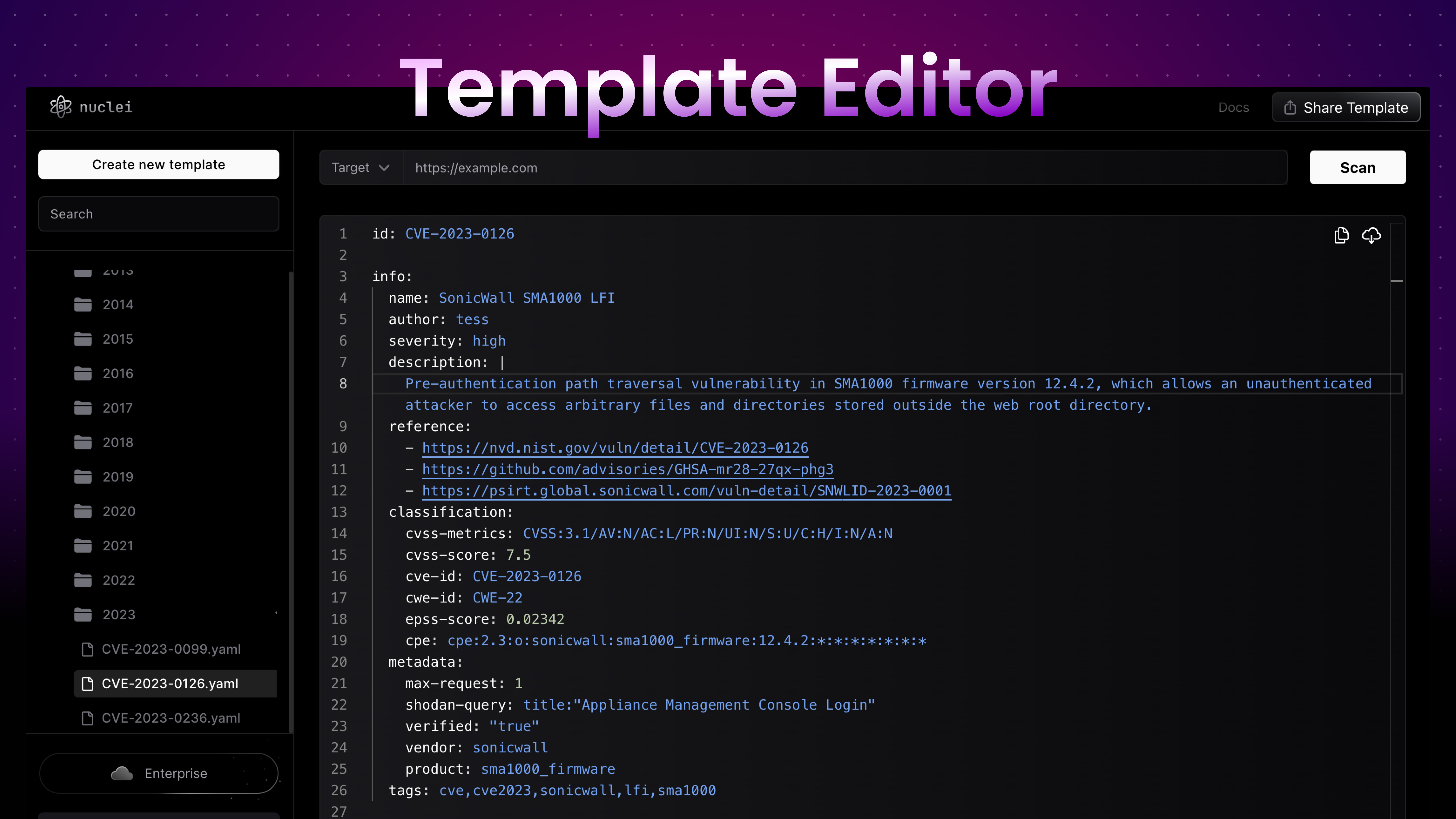
 Nuclei Template Editor is a multi-functional cloud hosted tool designed for creating, running, and sharing Nuclei Templates. It’s packed with helpful features for individual and professional users seeking to manage and execute templates.
Features
The following table showcases the current and upcoming features:Free Feature Limitations
Some features available within the free tier have usage caps in place:- Scan (URL): You’re allowed up to 100 scans daily.
- AI Assistance: Up to 10 queries can be made each day.
How to Get Started
Begin by ensuring you have an account. If not, sign up on https://cloud.projectdiscovery.io and follow the steps below:- Log in to your account at https://cloud.projectdiscovery.io.
- Click on the “Create new template” button to open up a fresh editor.
- Write and modify your template. The editor avails tools like syntax highlighting, snippet suggestion, among other features to simplify your writing process.
- Having written your template, input your testing target and click the “Scan” button to authenticate your template’s accuracy.
FAQ
Who owns the templates generated by the AI?
Who owns the templates generated by the AI?
You own any templates generated by the AI through the Nuclei Templates Editor. They are your property, and you are granted a perpetual license to use and modify them as you see fit.
How accurate are the templates generated by the AI?
How accurate are the templates generated by the AI?
The accuracy of the generated templates is primarily dependent on the detail
and specificity of the input you provide. The more detailed information you
supply, the better the AI can understand the context and create an accurate
template. However, as with any AI tool, it is highly recommended to review,
validate, and test any generated templates before using them in a live
environment.
Does AI learn from the templates I generate?
Does AI learn from the templates I generate?
No, AI does not use the templates you generate for further training or improvement of the AI model. The system only utilizes public templates and CVE data for training, ensuring your unique templates remain confidential.